







Loading...
USEFUL LINKS
PARTNERSHIPS
© 2026 Logitell Publishing Inc. All rights reserved.
Funded in part by the Government of Canada |
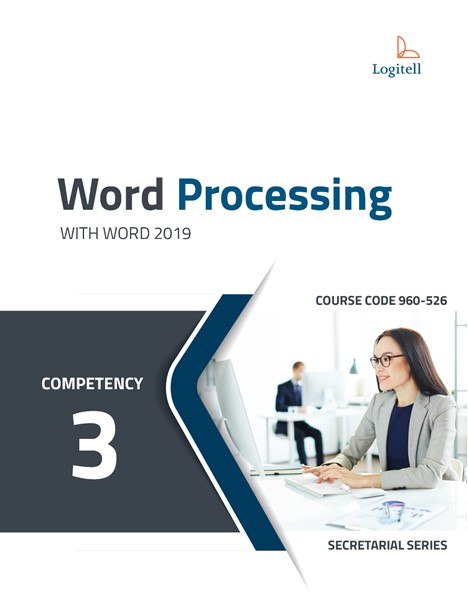
COMPETENCY 3
Select Format
Printed copies are available directly from the publisher. You will be redirected to their website to view print options. All print purchases are handled by the publisher, not Logitell.
Price
Word processing is the practice of creating, modifying, and improving the appearance of a document using a software. The document can be a simple letter or a more elaborate text, such as a newsletter or a report that includes graphics. In this course, you will learn how to manipulate text with Word 2019, the word processing software from the Microsoft Office suite. Our comprehensive Logitell approach guides students through progressively increasing skill sets using real-world exercises and extensive practice, promoting independent learning. As a Canadian company, we are committed to providing high-quality resources tailored to the unique needs of the Canadian education market. Logitell resources offer an outstanding value, with pricing notably lower than our competitors, allowing educators to provide students with quality materials within budgetary constraints.
Table of Content
Chapter 1 - Exploring Word
Chapter 2 - Transcribing Text and Basic Features of Word
Chapter 3 - Opening and Viewing a Document
Chapter 4 - Editing Text
Chapter 5 - Moving and Copying Text
Chapter 6 - Character Formatting
Chapter 7 - Paragraph Formatting
Chapter 8 - Tabs and Indents
Chapter 9 - Useful Tools
Chapter 10 - Creating Tables
Chapter 11 - Formatting Tables
Chapter 12 - Mail Merge
Chapter 13 - Document Formatting and Sections
Chapter 14 - Columns
Chapter 15 - Headers, Footers and Page Numbering
Chapter 16 - Printing a Document
Chapter 17 - Managing Files and Folders
Category
Textbook Language
Series
Number of Pages
Number of Exercises
Course Code
Level
| Combo | Digital | ||
|---|---|---|---|
Product value | Best Value | ||
Product shipped to you | |||
Hard copy | |||
User account | |||
Instructor resources | |||
Downloadable exercises | |||
Digital access | |||
Accessible on any device | |||
Auto corrected quizzes |